Mixtapes·1 Jan 2021
Jabra Evolve 75t is great on Linux but ...
Started out as a review for the Jabras, but got real twisted in the end.

In this post7 sections
A short blog on headphones, earphones, speakers, and everything in between for auditory needs in remote setup/work meeting/late-night binge
Update: 2 years later
Jabras that I have are still going strong with little wear and tear showing up. The battery is still as performant as ever and can easily run an entire day of work. The ambient noise canceling is as good as ever. My ears have adjusted to the on-ear styled Jabras and the pain has substantially reduced. I wear them for 3-4 hours on long stretches and it’s great to work with. Sometimes even forgetting that I have them on.
If your work is remote and video calling is your bread and butter then these headphones don’t get any better for that use case. Go for them without worry, and make sure you don’t buy the upgraded version as I wrote my thoughts for Jabra Evolve2 75. TLDR: I didn’t like them very much.
The most useful part in a remote setup, the headphones!
… or even earphones. I think they both have their place in the bigger scheme of things. I made my jump to needing everything wireless as I recently bought a phone with no headphone jack *Holds back sobs*. So here’s what I ended up with.
The Primary: Jabra Evolve 75t
Jabra Evolve 75t is one functional piece of headphones that (a lot of) money can buy. While reading the reviews about 8 months back, I couldn’t find a Linux specific review for them so I thought I write my thoughts. I did come across this well-written piece on Jabra’s not being supported officially over bluetooth and glad to say I have no complaints on at-least their connectivity. My monitor has 4 USB ports so popping another dongle onto the system is just fine by me. They stay connected at appreciable distances as I go around walking in my house while on meet calls.
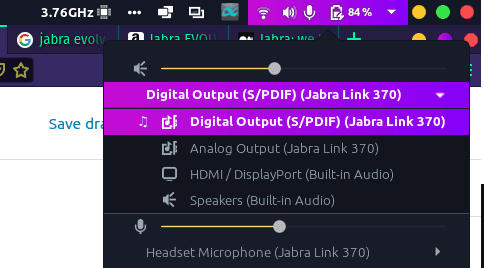
I use the Jabra dongle to connect my Evolve 75t on PopOS 18.04 and Xubuntu 18.04 (On Thinkpad T490 2020 edition) and it works out of the box with almost no configuration. I did download the Jabra Windows Client on my dual boot W10, to update the firmware of the dongle. There isn’t a Linux client available on their website. One can route audio output as they like (screenshot below) and both options work for Linux. Here’s Jabra’s official answer on Linux support of their headphones. Some features don’t work properly on my system like skipping tracks or play/pause of Spotify.
Jabras are on-ear styled headphones sporting a 14 hour battery which they deliver quite well. Their strongest point by far is the ambient noise cancelling and the discrete mike that Jabra comes with. I am not sure how they do it, but their noise cancelling really cut down the noise, buzz and background noise while you still can hear human conversations if music is not playing. Example:
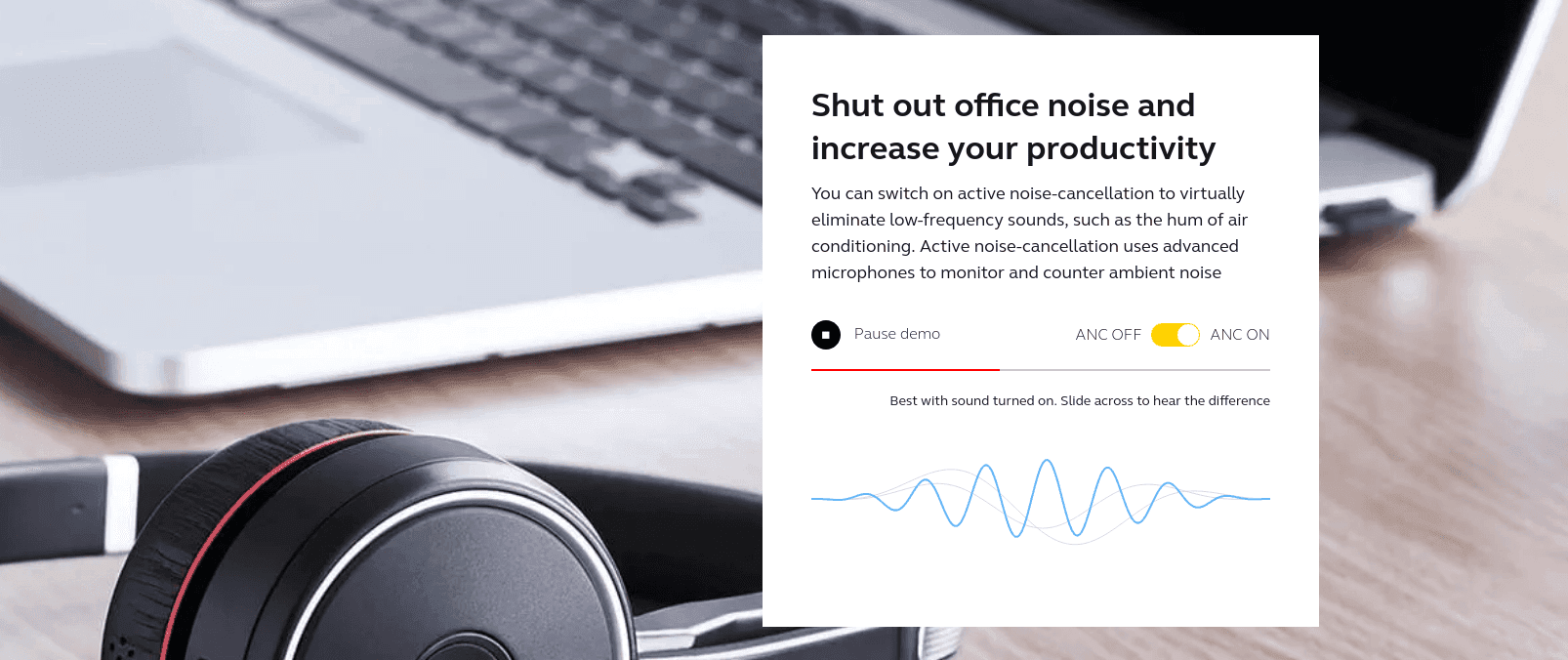
While on a meet call, my colleagues don’t hear my laptop’s fan noise, the loud drone of my air conditioner running or me clacking away on the loud mechanical keyboard clicking away (I can’t hear theirs which is a major relief - Sorry Steve, lol). The dedicated mike really helps with crystal voice clarity and it’s smart enough to switch modes from music on the laptop to call on the phone as when the need arises. The headphone themselves aren’t that comfortable to wear over long periods of time as the on-ear cushion literally squeezes your ears for a snug fit, which I guess is the case with any headphones on the market. They have dedicated buttons to stop currently playing sounds on the headsphones to mute and hear in on conversations around you. The tactile buttons help in pairing, activate noise cancelling and smart mute/unmute feature (Bringing the mike down, unmutes the mike) goes a long way. Pairing is seamless when it works and the headphones can work in a wired configuration as well, where they charge as you work. A hour of charge delivers anywhere from 0 to 2/2.5 hours of battery life.
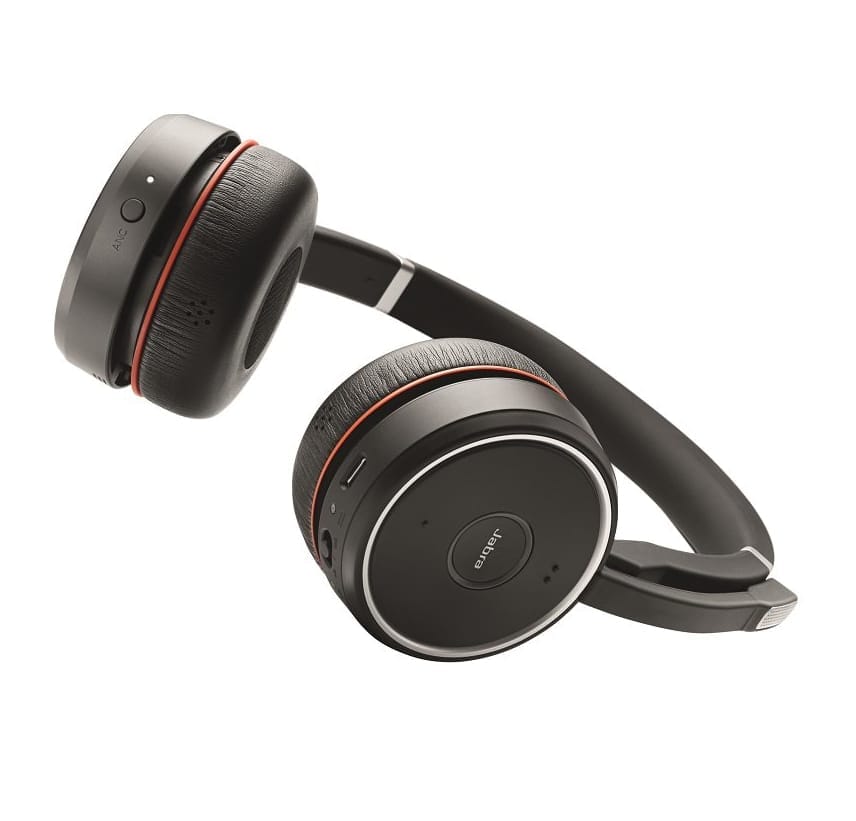
For the price point and purpose they sell for, they are not focused on being a good sounding headphones. The sounds are sharp, plenty loud and deadly clear with no stutter or fade on video calls, but lacks depth, bass or the ability to handle lows and often feels flat. Jabras start to give out their features as the battery begins to drain which seems to indicate that they have a battery saving feature inbuilt. No points deducted there, these are meant to be work headphones and they excel in their use-case of getting your team and you through work meeting. I think that’s in itself is major bonus. With 8 months of usage, I have grown to like them knowing full well that I am missing out on some very good sounding headphones out there.
… Do I recommend them? Read on.

Enter my new primaries!
A primary is without which I don’t start working. These define essential without compromises.
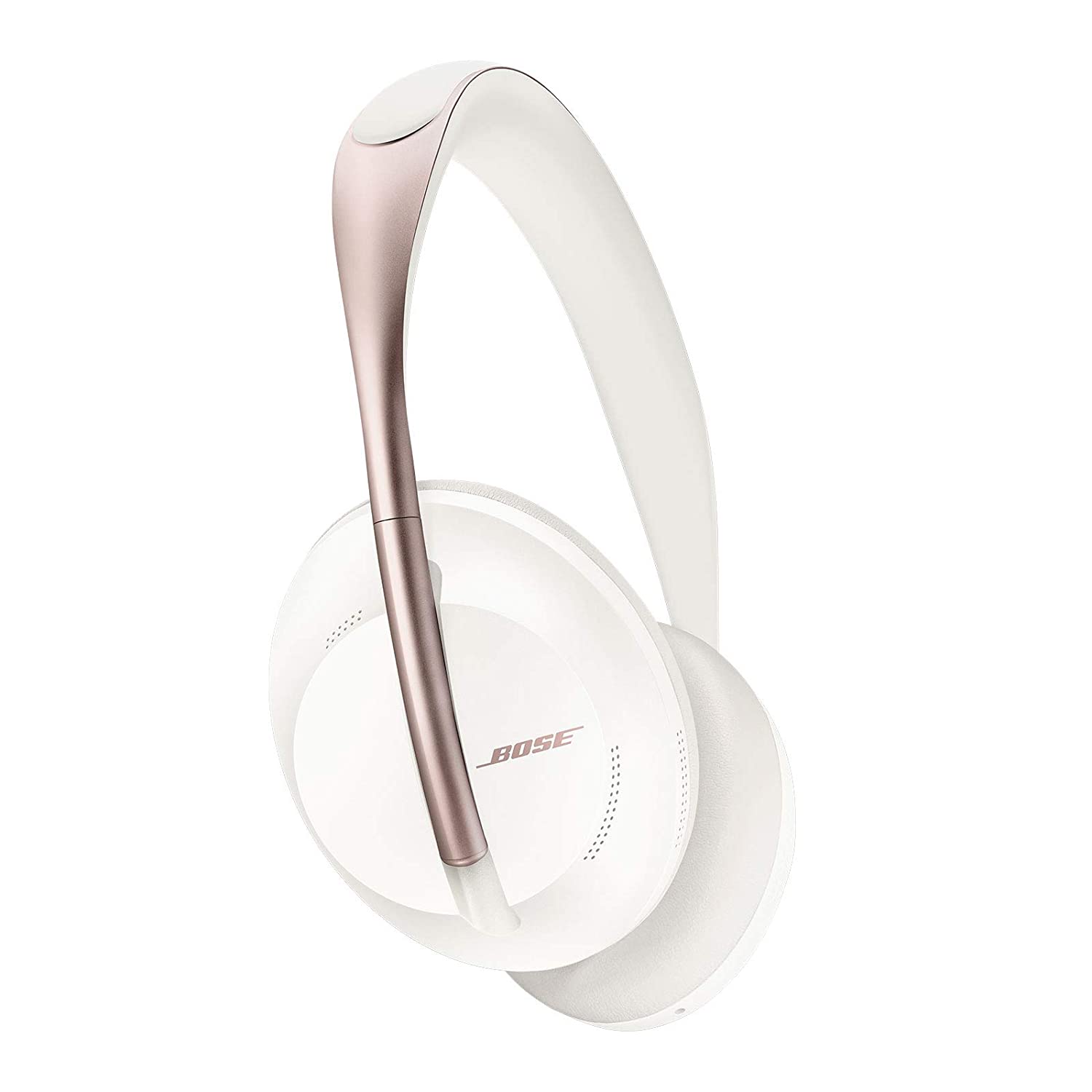
Jabras don’t make the list unfortunately when it comes to great sounding headphones. The next one I am thinking to go for is the Bose 700 noise cancelling headphones. My friend, Vishwa is crazy for them as is a lot of people that I have heard reviews from about them. They are about head-to-head in their features and a bit more expensive than the Evolve 75T. Another personal favourite that I am willing to buy next is the Massdrop x Sennheiser’s super popular HD 6XX.
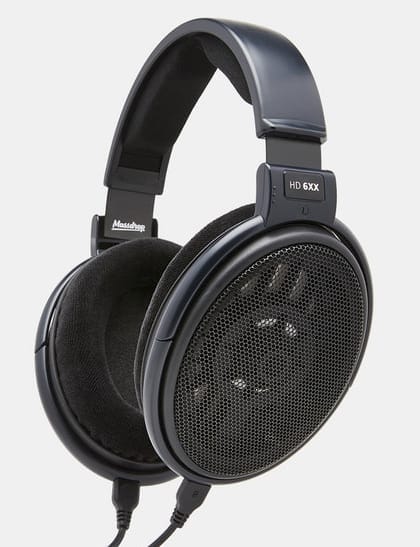
The current Secondary & upcoming secondary
Secondary audio devices are primed for ease of use and when you are away from your keyboard (AFK)
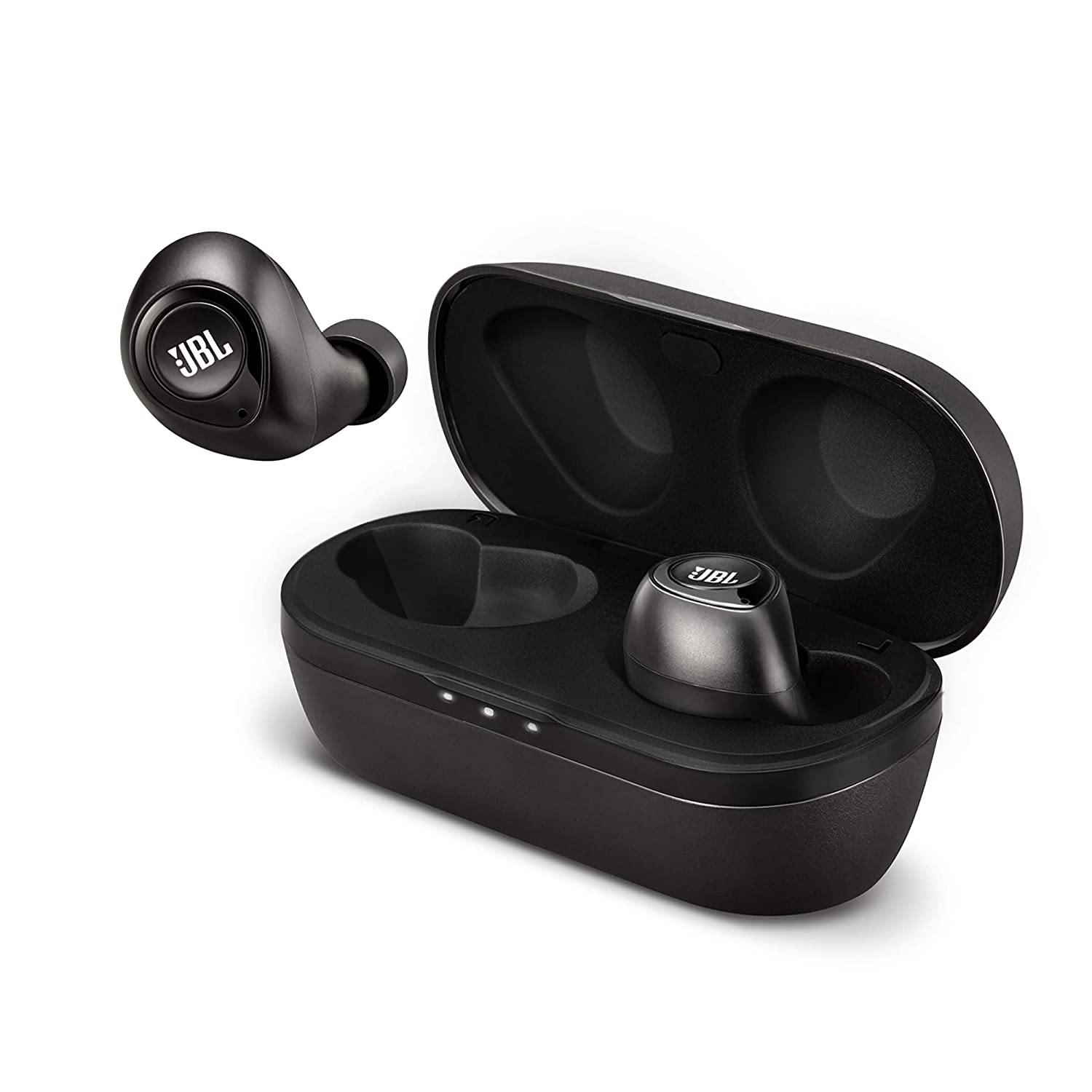
The current secondary I am using are the JBL C105TWS. I try to keep my wireless buds close for better mobility when I am getting out of the house or boarding a metro or meeting someone (Good ‘ol pre-covid activities). These offer about 12 hours of battery with the case and 4 when out of them. The next change for wireless buds that I am thinking off is for using Oneplus Buds Z. Heard lots of good things about them. They also should work well with the phone I own.

The backups: Emergency only
As my Oneplus now doesn’t support a headphone jack, my Thinkpad sure does. So when all else fails and the batteries on the wireless devices eventually runs out is there no other way I can listen to my playlists. Attend my meetups in peace. Wrong.
For a setup made for working remote, I can’t stress enough the sheer importance of having wired earphones at an arm’s distance. Many times it has happened that devices start acting up and your teammates can’t hear you in a meeting or vice versa. Your microphone just up and decides to not work on one Thursday leaving you to work out your stuffy sounding audio milliseconds before the meeting/conference call. It has happened to everyone one of us.
Enter your old friends from the past, cheap. Wired. Earphones. Here’s some I bought for my family. For the price they sell on they ain’t that rusty or uncomfortable and are just good way to get you through the day.
- boAt Bassheads 225 in Ear Wired Earphones with Mic(Blue)‘s ticks all the boxes I like to see in quality earphones. Good fit, flat, anti-tangle wires, strong jack, Better sound.
- Sony MDR-EX150AP In-Ear Headphones with Mic
- JBL C100SI In-Ear Headphones with Mic
… If you don’t have a earphone jack anywhere. Then, sed lyf.
Well, that’s about it folks. One more part finished, I am not sure what else to share about stuff. This has been one long series. Read on if you are just getting started with the remote setup series.
All photos originally tweeted by Vipul Gupta is having cake 🐣 (@vipulgupta2048). Vipul’s 2020 no compromise minimalist remote setup blogs are a series. With more blogs, coming right up. Full list of items and more recommendations is available here on Notion.
- MX Master 3: The iPhone of productivity mouses
- Meckeys Ducky One 2 SF Linux Review: After a month
- Jabra Evolve 75t - They are great, but …
- Buying a great mid-range monitor is a modern nightmare - 101 guide
- Vipul’s no compromise minimalist remote setup: lessons in choosing your work furniture.
References
Banner image by Brett Jordan on Unsplash This post contains affiliate links from Amazon.